.svg)

As an event organizer, you generally have three main priorities:
- Creating a program that hits your target audience.
The program is the very heart of the event. It must engage, be relevant, and give attendees a good reason to come. When the content is solid, the rest of the job becomes easier. - Selling as many tickets as possible.
A good program must be supported by clear communication and smart marketing. The goal is to turn interest into action, create momentum in sales, and make it easy for people to sign up. - Working as efficiently as possible.
Effective processes free up time and resources. With the right tools and structure, you can spend more of your energy on quality—and less on administration.
An intuitive registration system might not help you create a fantastic program—but it can certainly help elevate your two other priorities.
When the registration process is smooth, frictionless, and easy for attendees—with few clicks, no account required, and fully mobile-adapted—far more people will complete their purchase.
The research is clear: Every extra step in the buying process costs you 5–7% of your sales. A cumbersome system can actually scare away up to 40% of potential attendees.
At the same time, a good registration system handles the time-consuming tasks that often steal your valuable hours: invoicing, payment reminders, check-in, and reporting. Hours you should be able to spend creating a better experience for attendees.
In short: An intuitive solution increases your revenue, protects your sales, and gives you a large portion of your time back.
What does "intuitive" actually mean for organizers in 2026?
Intuitiveness is about eliminating friction for both you, the organizer, and the attendee. It’s not just about a pretty interface, but about the system working instinctively and logically from the very first click—without the need to think or search for help.
We have explored the market and found the 11 most intuitive platforms that deliver on this standard for organizers in the Nordics in 2026.
For us, the most intuitive registration solution means that it:
- Is intuitive for the attendee: Registration should be completable in under two minutes, with a natural and seamless flow that allows the user to navigate without hesitation—whether on mobile, tablet, or desktop.
- Is intuitive for you, the organizer: The system automates repetitive tasks like invoicing, reminders, email confirmations, and check-in, so you can spend time on content and experience instead of administration.
- Handles complexity without showing it: The solution manages advanced pricing, add-ons, and group registrations, while the interface remains simple, clear, and user-friendly.
To help you choose the most intuitive registration solution for your event, we recommend focusing on the following eight factors:
- Registration process flow: How many clicks are required to complete the registration? Is the design intuitive, allowing attendees to register in under 2 minutes?
- Mobile optimization: At least 40–50% of registrations happen via mobile. Is the system fully responsive and designed with mobile first?
- Automation for the organizer: Can the system automatically handle repetitive tasks like email reminders, invoicing, and check-in?
- Flexible design options: Can you customize the look and feel to match your brand without needing to code?
- Easy on-site check-in: Is check-in fast, reliable, and simple—both with and without internet access?
- Customer service in Norwegian: When problems arise, is there Norwegian support available to help you quickly?
- Integration with existing tools: Can the system connect to CRM, email platforms, or accounting systems to save time?
- Transparent pricing: Is the price clear from day one, without hidden costs that pop up later?
The following eleven platforms represent the most intuitive registration solutions available for organizers of all types of events.
Overview of the 11 best event registration tools for the Nordics
If you don't want to or don't have time to read through the entire article, you can see our summary of the solutions:
The platforms are ranked by user reviews from Google Reviews, G2, Capterra, and other recognized review sites.
|
Solution |
Review rating |
Pricing |
Produkt highlight |
Free trial? |
|
5 Capterra 4 G2 |
3% service fee + |
Simple and developer-friendly ticketing for modern events. |
Yes, completely free |
|
|
4,9 Google review |
€ 1 and 2% per ticket you sell + 2.5% transaction fee. |
User-friendly registration solution with automated finance and check-in. |
Yes, completely free |
|
|
4,7 Capterra |
From £4,500 GBP per event. |
Enterprise-grade platform with end-to-end event management tools. |
No |
|
|
4,6 Capterra 4,4 G2 1,1 Trustpilot |
From 1% + 4.99 DKK per ticket sold |
Widely used self-service ticketing with strong marketplace reach. |
Yes, completely free |
|
|
4,5 Capterra |
From € 165 per month Subscription based |
Data-driven event management focused on ROI and participant engagement. |
No |
|
|
Trippus |
4,3 G2 |
From € 156 per month Subscription based |
Scandinavian solution combining registration, apps, and on-site tools. |
No |
|
2,8 Glassdoor |
From 5% platform fee per paid ticket (Basic) |
Community-focused event platform with simple hosting and discovery features. |
Yes, completely free |
|
|
2,7 Trustpilot |
€0.54 + 4% of the ticket price |
White-label ticketing and print-at-home solutions for organizers. |
Yes, completely free |
|
|
Unknown |
From $1372.17 per month Subscription based |
Flexible event platform emphasizing branded communication and GDPR compliance. |
Yes, 14 days |
|
|
Unknown |
From € 83 per month Subscription based (Standard) |
All-in-one event platform with ticketing, streaming, and check-in |
No |
|
|
Unknown |
From € 83 per month Subscription based (Standard) |
A solution specialized in professional conferences with advanced registration features |
Yes, 14 days |
Would you like to have a conversation (no string attached) about the best registration solution for your event?
Fill out our form and one of our specialists will contact you within the next business day to help you get a clear picture of the best solution for your conference.
11 event registration solutions we recommend for conferences in the Nordics:
1. Tito
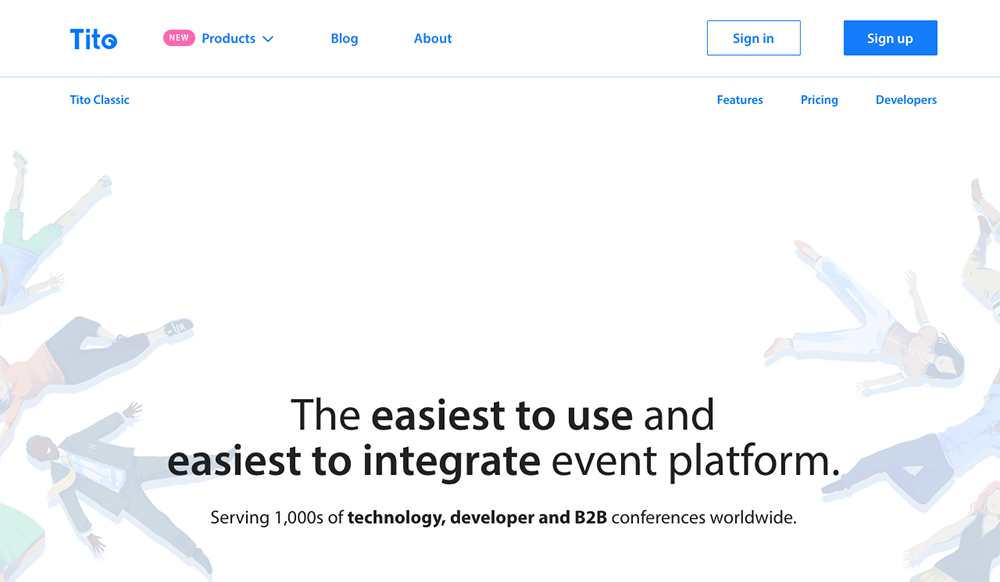
Why Tito is good an intuitive solution:
Tito is proudly registered in Ireland. Tito says it is the easiest to use and easiest to integrate event platform. Serving over 3,000 technology, developer, and B2B conferences worldwide. Tito's platform is primarily focused on ticket sales and registration for in-person and virtual events.
Key features:
- Easy integration with other platforms including Slack, Mailchimp, Zapier, and marketing analytics tools
- Powerful and useful dashboards to track sales, revenue, and attendee data in real-time
- Payment solutions such as Stripe and PayPal supporting over 135 currencies
- Comes with automatic translations so you can sell in your language and localize the checkout experience for global attendees
- Events pages that are customizable with your branding using a simple theme editor and custom domains
- Built-in features for managing discount codes and group ticketing
- Tools for handling attendee refunds and transfers
Disadvantages:
Tito does not offer invoicing.
Tito does offer check-in but without the option to print name badges natively, requiring a third-party integration for badge printing.
Tito's primary focus is on ticketing, so it offers fewer comprehensive event management features (e.g., floor plans, speaker management) compared to all-in-one platforms.
Pricing:
Tito is a pay-as-you-go service. The pricing is transparent and includes: 3% service fee + 2.9% transaction fee + €0.30 cent per ticket. The service fee is capped at €9 per ticket.
Free trial: Yes, you can create a free account without commitment and without obligations. No subscription.
Review Rating: 5 – Capterra – 31 reviews & 4 – G2 – 4 reviews
2. Checkin
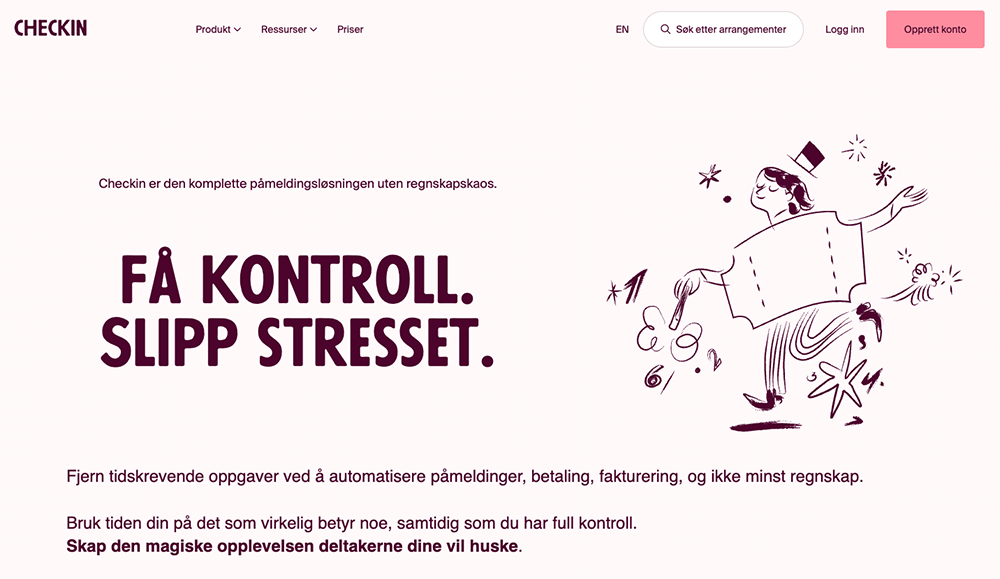
Why Checkin is an intuitive event registration solution:
Checkin is a complete and flexible registration solution for conferences that simplifies how you plan, market, and execute your conference. It is primarily focused on the Nordic market (Norway, Sweden, Denmark) due to its local payment integrations.
Unlike most registration platforms, Checkin also automates the financial process for your event — from billing and payment collection to accounting reports and revenue tracking. Checkin also provides an integrated solution for printing name badges and rental of on-site check-in equipment (scanners/printers).
When you create an account with Checkin, you get access to all functionality from
A to Z.
Key Features:
- Great flexibility and customized registration forms and additional options, including the ability to book hotel rooms and manage capacity for multiple sessions/rooms
- Vipps, Swish, MobilePay, and bank card payment included (Checkin is an approved payment processor) with no need for the organizer to negotiate separate bank agreements.
- Automated invoicing and accounting module that can generate EHF invoices (common in Nordic public sectors)
- QR codes for check-in and sharing digital business cards and managing session-level access
- Standard integrations with other systems you use including Zapier, Microsoft Teams, and Zoom
- Flexible options to use your own branding
- Embed your registration forms directly to your own site to match your brand.
- Track sign-ups with Google Analytics and Meta and see exactly how many people register, where they come from, and where they drop off.
- Built-in features for handling automated waiting lists and sending personalized SMS messages.
- Support for different ticket types, including early bird pricing and group tickets.
What could make Checkin better:
Checkin has no complete CRM or marketing module in the solution. You can use standard integrations with HubSpot, MailChimp, and MailMojo for this. And Checkin doesn't offer survey tools.
Pricing:
The system fee is 10 kroner excl. VAT (approx. €1.00) and 2% per ticket you sell + 2.5% transaction fee.
The fee is capped at a maximum price (e.g., 450 NOK/€45 for invoice payments) and has a minimum price (e.g., 18 NOK/€1.80) per ticket.
Free trial: Yes, you can create a free account without commitment and without obligations. No subscription.
(You can also read our blog about Why Checkin? For starters you can reduce you accounting workload by 95%)
Review Rating: 4.9 — Google Review — 47 reviews
3. EventsAir
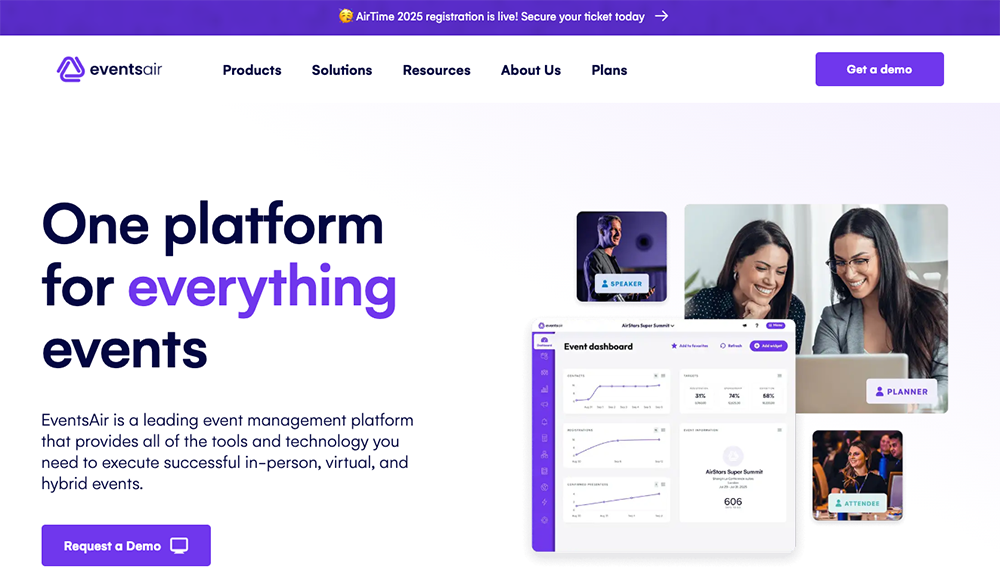
Why EventsAir is an intuitive event registration platform:
EventsAir is a leading event management platform that offers all the tools and technology you need to execute successful on-site, virtual, and hybrid conferences. It is an end-to-end solution, meaning all functions from registration to post-event reporting are handled within a single, integrated system.
Key Features:
- Virtual event solutions via its dedicated 'OnAIR' platform, supporting live streaming, interactive Q&A, polling, and networking for remote attendees.
- Program management and participant portal including abstract management, speaker management, and continuing education/CE tracking.
- Integration with travel and hotels using dedicated room block management, travel management, and seating allocation tools.
- Secure payment solution (EventsAir Pay) (But not Vipps) supporting multi-currency payment processing and PCI Level 1 compliance.
- Real-time reports and insights with over 150 pre-defined reports and customizable dashboards for tracking ROI, lead capture, and engagement across virtual and in-person audiences.
- On-site tools, including self-check-in kiosks, on-demand badge printing, and barcode/QR code scanning.
- Comprehensive exhibitor and sponsor management with self-service portals and lead retrieval technology.
Disadvantages:
EventsAir is designed for complex, deep workflows and can be challenging for new users or smaller teams without dedicated training. Make sure you are prepared for a steep learning curve.
EventsAir does not provide payment options like Vipps, Swish, or Mobilepay. The pricing structure is customized and may involve additional fees for premium support, specific integrations, or virtual event features.
Pricing:
The pricing is quote-based (contact sales). From £4,500 GBP per event. Price according to size and functionality you choose. Packages are typically structured around the number of events (Single, Multi, Unlimited) and include unlimited registrations, integrated payment processing, and 24/7 support.
Free trial: No. You can request a demo with EventsAir's sales department.
Review Rating: 4.7 — Capterra — 18 reviews and 4.4 — G2 — 45 reviews
4. Eventbrite
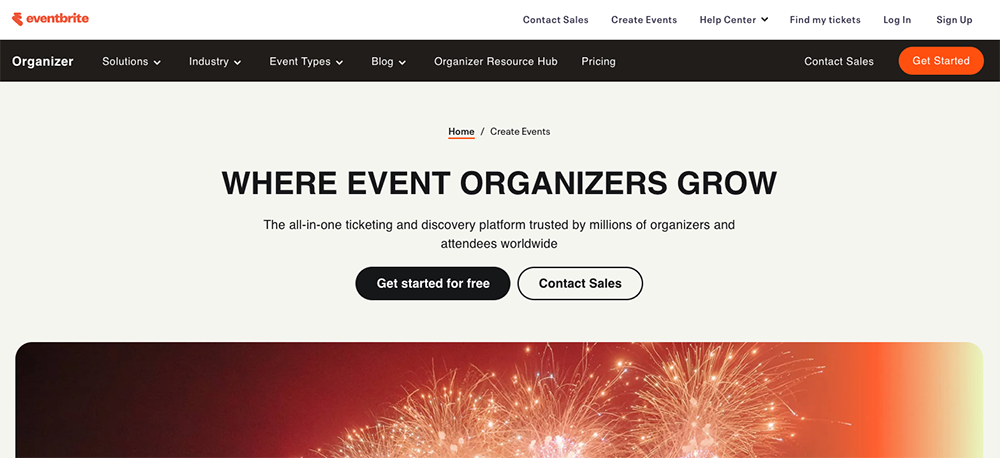
Why Eventbrite is an intuitive event registration system:
Eventbrite is an all-in-one ticketing and marketing platform that offers great value for money for organizers of public-facing events seeking a large, established audience. It excels at making event creation and ticket sales straightforward.
Conferences listed on Eventbrite's public marketplace can reach millions of active eventgoers who are already using the platform to discover new things to do. Its user-friendly interface makes it easy for organizers to get a professional-looking event page up and running quickly.
Key Features:
- Large marketplace for exposure to its extensive network of users, boosting organic discovery and ticket sales.
- Supports a variety of ticket types, and add-ons (e.g., merchandise, lunch tickets).
- Supports promotional codes, discounts, and tiered pricing (e.g., early bird).
- Integrated tools for email marketing, social media sharing, and analytics to track campaign performance.
- A mobile app for organizers to manage check-in, track real-time ticket sales and attendance, and process payments on-site.
- Create customizable event pages and add custom questions to your registration forms to collect specific attendee information.
- Virtual and Hybrid Event Support: Integrates with platforms like Zoom and Vimeo to create online event pages and allows organizers to create separate listings for in-person and virtual components of a hybrid event.
Disadvantages:
Limited Customization & Branding: The possibilities for customization and branding are limited compared to more advanced solutions, which can restrict unique branding for larger, complex conferences.
High Commission Fees: Commission fees can be high, especially for high-priced tickets, and include both a service fee and a payment processing fee.
Limited Localization: The platform is primarily focused on English, and it offers limited local payment options (No Swish, MobilePay, or Vipps).
Customer Support: Some users report that customer support can be slow or challenging to access, which can be critical for live events.
Payout Delays: Payouts for ticket sales typically occur after the event concludes, which can create cash flow challenges for organizers.
Pricing:
Free Events: No fees are charged for events with only free tickets.
Paid Events: Typically 1% + 4,99 DKK per ticket sold for the Essentials package, plus a separate payment processing fee. The Professional package is available for 2,5% + 9,99 DKK per ticket sold. At Eventbrite they use different ticket fee's per country.
Fee Structure: The percentage and fixed fee vary by country, currency, and the plan chosen (Essentials or Professional). Organizers can choose to absorb the fees or pass them on to the ticket buyer.
Advanced Features: Paid plans (like Professional) offer lower per-ticket service fees but typically require a monthly subscription.
Free trial: Yes, you can create a free account without any commitment or obligations. No subscription.
Review Rating: 4,6 – Capterra – 5712 reviews & 4.4 - G2 – 890 reviews & 1.1 - Trustpilot – 1684 reviews
5. Lyyti
Why Lyyti is an intuitive event registration solution:
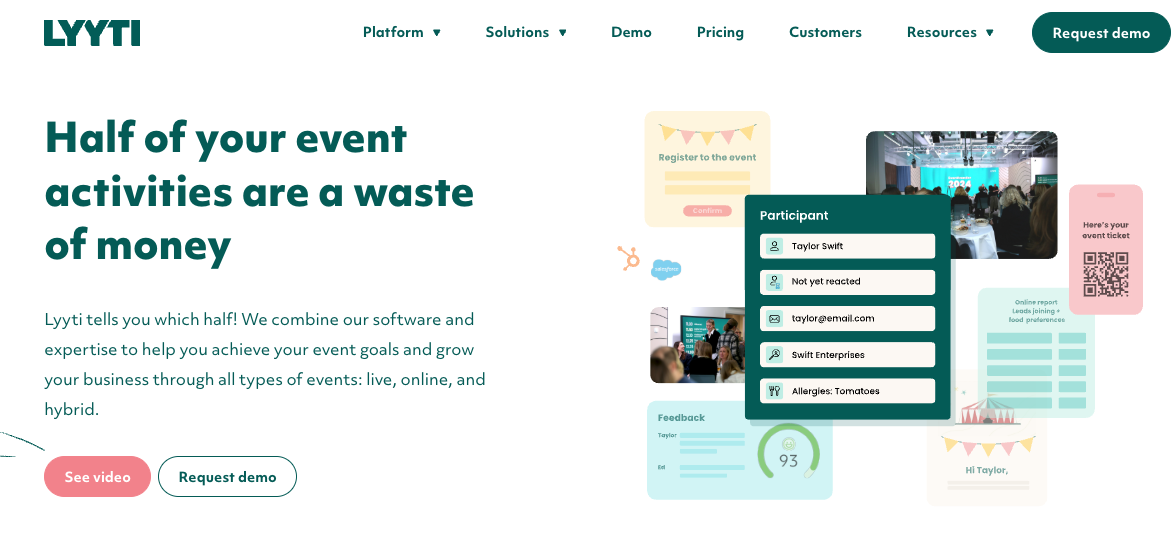
Lyyti is a professional event management platform built specifically for organizations that run frequent events and require a strong focus on data, automation, and measuring event ROI (Return on Investment).
When Lyyti was established, the goal was to create a user-friendly service that saved time through automated event management. While this is still important, their primary focus today is on proving event effectiveness and how events contribute to business goals.
Through effective integrations and measuring event data, users can improve the participant experience and develop their event activities so that events are rewarding for everyone. It is a preferred solution for corporate and large-scale, internal and external events.
Key features:
- Focus on Event Effectiveness (EVS): Measures the Experience Value Score (EVS) to help organizers link event performance and participant satisfaction to strategic business outcomes and ROI.
- Advanced Data & Reporting: Provides comprehensive, real-time analytics with custom reports to track attendance, engagement, and conversion across multiple events.
- GDPR Support: Offers robust data protection and compliance features, including automated anonymization, and processes data on EU territory only.
- Custom Landing Pages: Allows for the creation of branded, customizable registration and event landing pages.
- Automation: Features like automated email/SMS communications, and automated waitlist management significantly reduce manual administrative work.
- Participant Segmentation & Survey Tools: Enables detailed audience segmentation for targeted communications and built-in survey tools for feedback collection.
- Seamless Integration: Offers ready-made integrations with key business tools like HubSpot and Salesforce, and an open API for custom integrations.
- Check-in App: A dedicated mobile app for organizers to manage on-site check-in.
- Support for All Event Types: Built to handle in-person, virtual, and hybrid event formats.
Disadvantages:
It operates on a subscription-based model and is generally at a higher price level than many pay-as-you-go ticketing alternatives, making it more suited for organizations with a high volume of events.
Steeper Learning Curve: Due to its extensive feature set and focus on complex data management, the platform may have a steeper initial learning curve than simpler tools.
Limited Customization (Interface): While it offers extensive customization for registration forms and data, some user reviews mention limited design freedom for the overall look and feel compared to bespoke solutions.
Pricing:
Subscription Based: Pricing is based on a subscription model, typically tiered by the number of events, users, and the required feature set (e.g., Starter, Basic, Professional, Enterprise).
Starting Price: Plans are quoted starting from approximately €165 per month (Starter plan), but you must inquire directly for a quote based on your organization's specific needs.
Ticketing/Payments: The tool itself is free to use for free events, but paid events include transaction fees and commissions on ticket sales.
Free trial: No. You can request a demo with Lyyti's sales department.
Review Rating: 4.5 - Capterra - 39 reviews
6. Trippus
Why Trippus is an intuitive event registration platform:
Trippus is a comprehensive event management platform, originating from Scandinavia, that is especially designed for larger conferences, trade shows, and corporate events with complex needs like parallel sessions, ticketing, and on-site logistics. It functions as an all-in-one toolbox to save time through automation and deliver a smooth, branded participant experience.
Key Features:
- Integrated Mobile Event App: A web-based app (no download required) for participants to access everything in one place: their ticket, personalized agenda/program, directions, and one-to-one chat with other attendees.
- Targeted Communication: Send personalized and scheduled communications (emails and SMS) with dynamic links (e.g., to their personalized ticket or survey) based on participant segmentation and booked activities.
- On-site & Check-in Management: Provides smooth solutions for participant check-in, real-time entry tracking, and on-site printing of personalized name badges.
- Lead Capture for Exhibitors: Includes tools to allow exhibitors to scan badges and easily collect leads at trade shows and large events.
- Interaction Tools: Features Live Polling (Mentometer) and interaction tools to boost engagement during sessions, with results displayable on-screen.
- Agenda and Program Management: Allows organizers to manage complex agendas, including breakout sessions, and offers features for table seating and group management.
- Full Event Lifecycle Support: Manages the entire process from personalized invitations, registration forms, ticket sales, digital/hybrid broadcasting, and post-event follow-up surveys and reports.
- Branding & Customization: Supports white-labeling, allowing organizers to fully customize the design of registration forms, event websites, and the event app to match their brand identity.
Disadvantages:
Can be expensive, and training is often required to utilize all functions.
Pricing:
Subscription Based: Billed monthly or annually based on a tier system (Start, Event, Pro).
Start Package: From 1 560 kr. per month (approx. €156/month) billed monthly, including up to 500 registrations, unlimited events, and the event app.
Higher Tiers: The Event package starts from 2 800 kr. per month (approx. €280/month), which includes more registrations (1,000), unlimited support, reporting, and card payment solutions. The Pro package requires contacting sales for a quote and includes more advanced features like surveys, event websites, and seating management.
Free trial: No. You can request a demo with Trippus's sales department.
Review Rating: 4.3 — G2 — 2 reviews
7. Luma

Why Luma is an intuitive event registration system:
Luma is an intuitive, modern, and user-friendly event management platform that emphasizes a clean design and seamless experience for creating and managing a variety of events, from in-person meetups and workshops to virtual and hybrid conferences. It is praised for its simplicity and focus on curated attendance and engagement.
Key features:
- User-Friendly Event Pages: Create visually appealing, customizable event pages quickly, with support for cover photos, details, and branding.
- Event Ticketing and Registration: Sell tickets, receive donations, and offer coupons. Registration forms support custom questions to gather specific attendee information (e.g., organization, role, interests).
- Guest/Attendee Management: Allows for curated attendance where hosts can require approval or use a token-gating system for registration, giving discretion to select who attends.
- Check-in App: A free mobile app (iOS) for check-in via QR code scan or by searching for a guest's name/email on the day of the event.
- Collaboration: Supports unlimited co-hosts and event managers for team-based event planning and management.
- Communication & Engagement: Send personalized invitations (email & SMS), newsletters, and reminders. Features like guest chat and post-event feedback surveys promote interaction and community building.
- Virtual/Hybrid Event Support: Seamless integration with Zoom to automatically create meetings or webinars, embedding the join link directly into the event page.
- Automation: Luma Plus offers Zapier integration for automating workflows.
Disadvantages:
Luma's pricing structure for its AI-powered features, while potentially useful for conference content, is credit-based and can become complex for high-volume users.
The core event registration platform's pricing is not as transparently published as a flat rate, which can be a disadvantage when budgeting. For example: Stripe, Luma’s payment processor, charges a credit card fee (typically 2.9% + 30 cents).
The basic plan lacks advanced features like API access, Zapier integration, and priority support.
Pricing:
Free Events: Completely free platform fee.
Luma Basic (Paid Events): 5% platform fee per paid ticket.
Luma Plus (Subscription): $59 per month (often billed annually, sometimes listed as $69 per month billed monthly) + 0% platform fee per paid ticket.
This subscription eliminates the 5% platform fee on ticket sales but does not eliminate the third-party payment processing fee (e.g., Stripe's 2.9% + 30 cents).
Note: All paid events incur the third-party payment processor fee (e.g., Stripe's typical 2.9% + 30 cents).
Free trial: Yes, completely free for free events
Review Rating: 2.8 – Glassdoor – 4 reviews
8. TicketButler
Why TicketButler is an intuitive event registration platform:
Ticketbutler is a full-service, feature-rich ticketing and event platform designed to simplify the sales process and streamline on-site logistics, making it an excellent choice for conferences, workshops, and large-scale events that prioritize a smooth in-person experience. The platform is noted for its transparent pricing and ease of use, even for temporary staff and volunteers.
Ticketbutler’s primary strength lies in its comprehensive on-site and check-in system. The instant, on-demand name badge printing feature directly solves a major logistical pain point at conferences, eliminating the need for pre-printing, sorting, and manual check-in errors. Its focus on user-friendly applications ensures that even volunteers can manage the check-in process quickly and efficiently.
Key Features
- On-Demand Name Badge Printing: Automatically prints a personalized, custom-designed name badge the moment a guest's ticket/QR code is scanned via the mobile app.
- Mobile Check-in App: A free, mobile-optimized app allows for fast and efficient entry by scanning a QR code or searching for attendees by name/email.
- Lead Retrieval App: A dedicated app for exhibitors and sponsors to scan attendee badges (often including a vCard QR code) to collect leads and contact information.
- Custom Ticketing & Branding: Create multiple ticket types (e.g., Early Bird, VIP, single-day) and design the ticket flow and tickets to match the conference's branding.
- Attendee Data & Communication: Collect custom information from attendees during registration and send SMS and email reminders directly from the platform.
- ·Flexible Payouts: Supports various payment methods (Visa, MasterCard, MobilePay) and offers the option for organizers to receive ticket revenue ongoing before the event (via Stripe) or as a lump sum shortly after the event.
- Integration: Features an open and documented API, Zapier integration, and integrations with Google Analytics and Facebook Pixel for data tracking.
Disadvantages:
The system has a strong focus on ticketing and on-site logistics but may be less comprehensive than true all-in-one solutions for deeper conference management needs, such as abstract submission/review, detailed multi-track session scheduling, or a full event mobile app with networking features.
Pricing:
Ticket Fee (Per Paid Ticket): €0.54 + 4% of the ticket price, with a maximum fee cap of €8 per ticket.
Fee for Sold "Extras" (e.g., merchandise, meals): €0.27 + 2% per sold extra.
Free Events: Completely free platform fee.
Pricing Structure Note: The organizer can choose whether the fee is absorbed into the ticket price or added to the ticket price and paid by the ticket buyer. All prices are displayed exclusive of VAT.
Free trial: Yes, you can create a free account without commitment and without obligations. No subscription.
Review Rating: 2,7 – Trustpilot – 16 reviews
9. Invajo
Why Invajo is an intuitive event registation solution:
Invajo is positioned as a leading solution for organizations needing a sophisticated, all-in-one platform capable of handling complex booking and event structures. Its blend of features for both logistics (dynamic registration, QR code check-in, on-demand printing) and engagement (virtual platform, Q&A, polls) makes it ideal for large-scale, multi-track, and hybrid conferences that need a single, branded system for both attendees and organizers.
The Abstract Management feature in the advanced platform is a critical tool for academic and industry conferences. It leverages automation and advanced features to support the entire event lifecycle, from initial registration to post-event analysis, for in-person, virtual, and hybrid conferences.
Key Features
- Dynamic Registration & Forms: Create advanced, customized forms with flexible booking and pricing structures that automatically adjust based on attendee roles, ticket types, or other criteria.
- Virtual & Hybrid Event Platform: Fully featured virtual platform with live streaming, session tracks, moderated live chats, Q&A, polls, and sponsor sections for high participant engagement.
- On-Site Solutions: Supports smooth check-in with a QR code app and offers features to manage print-on-demand badges and data export for badge printing.
- Abstract Management: A full-fledged tool to manage the entire process of abstract submission, review, speaker notification, and final program scheduling.
- Resource Management: Features for managing resource groups, organizing table placements (drag-and-drop), and grouping participants.
- Automated Communication: Automated and scheduled email and SMS send-outs using branded templates for consistent pre, during, and post-event communication.
- Financial Management: Supports credit card payments and invoicing through various providers, with advanced features for multi-currency, custom VAT rules, and bookkeeping setup.
Disadvantages:
Invajo maintains two platforms, "Classic" and the more advanced "Beyond," which may present a steeper learning curve for new users or organizers who are not technologically savvy.
In addition, there are no customer reviews available about Invanjo.
Pricing:
The reported starting price starts from $1372.17 per month. Howerver the official pricing is not publicly listed on their website, which requires you to contact Invajo for a quote.
The pricing is likely subscription-based and scales with the number of users, event complexity, and platform tier ("Classic" vs. "Beyond").
Free trial: Yes, 14 days free trial.
Review Rating: Unknown
10. Jirango
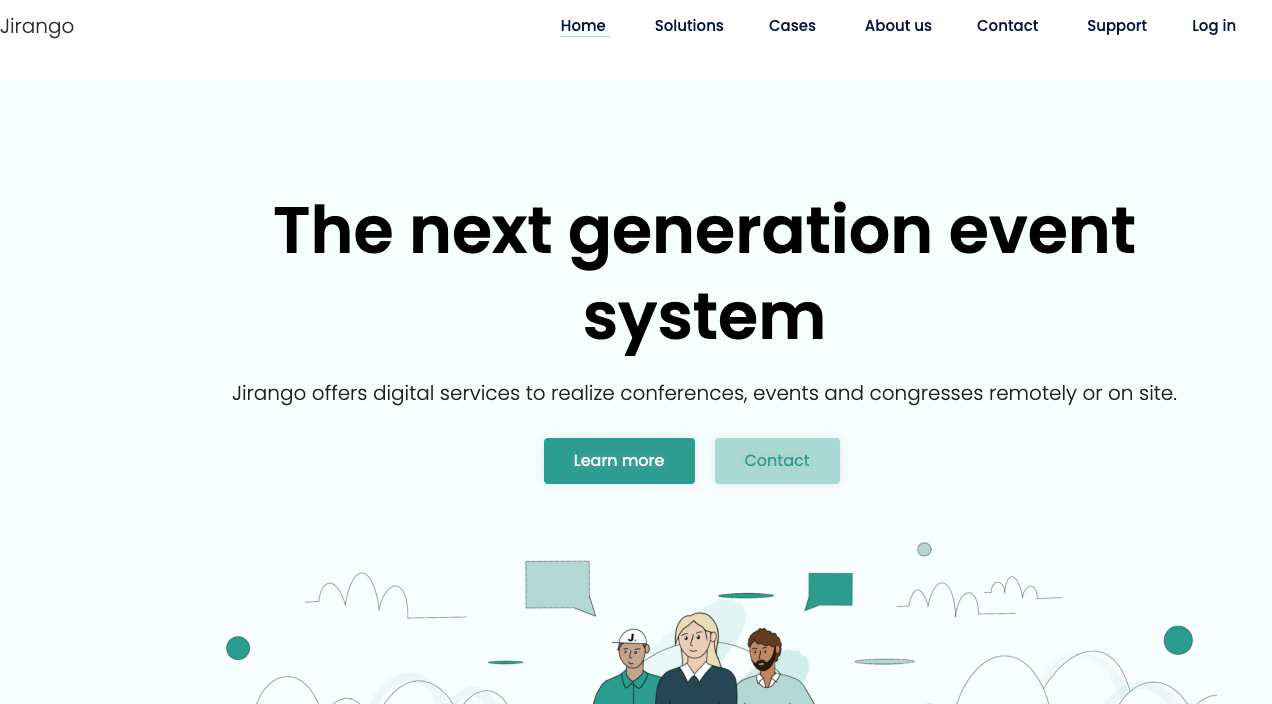
Why Jirango is an intuitive event registration solution:
Jirango is built specifically for the needs of complex, professional conferences. It is not just a ticketing platform; it's a comprehensive tool designed to handle the intricate details of a conference, such as speaker management, abstract submission, and on-site logistics. Its longevity in the market and positive feedback from long-term users suggest a reliable and robust system, which is crucial for high-stakes events.
The company is ISO 27001-certified with an ISO 27701-extension, demonstrating a strong commitment to data security and privacy, a critical factor for international and academic organizations.
Key Features
- Abstract & Speaker Management: Robust features for managing the entire Call for Papers process, including paper submission, peer review, speaker biographies, and detailed session scheduling.
- All-in-One Platform: Integrates registration, financial management, communication, and on-site logistics into one system.
- On-Site Logistics: Offers tools for smooth check-in, QR code/barcode scanning, badging, and rental of hardware like scanners and badge printers.
- Financial Management: Includes a dedicated economics module, card payment processing with a transaction fee (e.g., 1.6% + a minimum fee), and invoice management.
- Engagement Tools: Includes features for virtual/hybrid events, attendee networking, surveys, content sharing, and a custom branded event app.
- Detailed Analytics & Reporting: Provides detailed insights and reports on attendee data, financial performance, and event metrics for effective evaluation and follow-up.
Disadvantages: Low Pricing Transparency. It can be hard to know the final solution cost without contacting them. The modular pricing structure means core features are included, but others (like API access, Seats, Custom Event App, or extended data backup) are listed as add-ons, making a clear cost comparison difficult.
Pricing: Based on factors like the number of participants, event duration, event type, date, and desired functions/add-ons.
Subscription Tiers (Found on their site under "Conference Manager"):
- Standard: From $83 (€/£) per month (2 events/year, Max 300 participants)
- Professional: From $225 (€/£) per month (Unlimited events, Unlimited participants)
- Enterprise: Contact for quote (Customized for specific needs)
Free trial: No. You can request a demo with Jirango’s sales department.
Review Rating: Unknown
11. Conference Manager
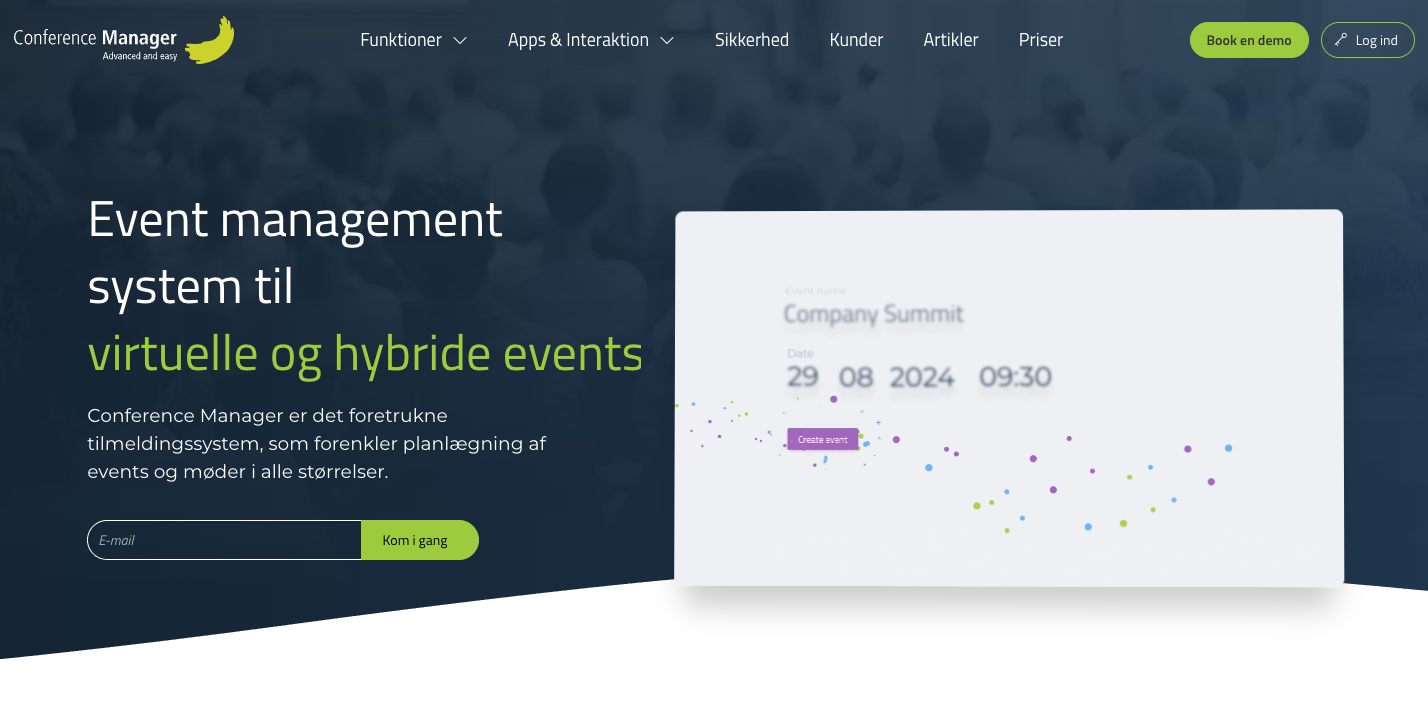
Why Conference Manager is an intuitive event registration platform:
Conference Manager is a comprehensive, all-in-one event management system with a long history, designed to handle the complex logistical and content-heavy demands of professional, academic, and corporate conferences, particularly in the Nordic region.
Its modular system allows for a tailored approach, where organizers can select the specific features they need. This flexibility, combined with its focus on the entire event lifecycle—from pre-event planning to post-event follow-up—makes it a powerful tool for conferences.
The company emphasizes strong data security, being ISO 27001-certified with an ISO 27701-extension, which is a key requirement for organizations handling sensitive attendee data.
Key features:
- All-in-One Management: The system manages the entire conference from planning and communication to execution and evaluation.
- Modular Features (Add-ons): A wide range of features are available as modules, such as a Payment Gateway (CMPM), SMS messaging, and an API for external system integration (e.g., CRM).
- On-Site and Venue Tools: Provides tools for creating detailed seating charts, issuing tickets, managing on-site registration, and attendee networking opportunities.
- Abstract/Speaker Management: Includes tools for managing the submission of papers, speaker bios, and integrating content into the session schedule.
- Analysis & Evaluation: Includes tools for analysis to provide insight into attendee behavior and engagement, crucial for evaluating event success and planning future events.
- Data Integration: The availability of an API module is crucial for organizations that need to sync event data with their existing CRMs or other software.
Disadvantages:
The entry-level "Standard" package has a low participant limit (300 participants) and a low event cap (2 events per year), which may not be suitable for growing or frequently held events.
Organizers with complex needs may find themselves needing the more expensive "Enterprise" plan, for which pricing is not public. The modular system means that features often considered essential for larger events (like API access or a custom app) are expensive add-ons.
In addition, there are no customer reviews available about Conference Manager.
Pricing Model:
From 707 DKK per month (with annual billing), limited to one user, 300 participants per event, and two events per year.
The Pro version starts from 1,625 DKK per month (with annual billing), includes one user and optional add-on modules.
Free Trial: Yes. Conference Manager offers a 14-day free trial for both its "Standard" and "Professional" license plans.
Review Rating: Unknown
Conclusion: An Intuitive Registration Solution – The Key to Organizer Success
The choice of a registration system is about much more than technology—it's about creating a first impression that reflects both professionalism and commitment.
An intuitive registration system makes your event appear well-thought-out, modern, and professional, right from the moment a potential attendee hears about it.
As we have seen in the analysis of the most intuitive registration solutions, there is no "one-size-fits-all." A solution that works perfectly for a small workshop will not necessarily meet the needs of a large conference with thousands of attendees and complex logistical requirements.
The most important thing is to find a system that fits your exact needs—and makes it easy to deliver a seamless and professional attendee experience.
Choose a registration system that makes life as an organizer easier—Not harder
The goal is to make life easier for both you as the organizer and for the attendees. Everything should flow naturally, from registration to on-site check-in. Attendees should be able to register from any device, at any time, without barriers.
As an organizer, you should be able to automate time-consuming processes and use your energy on what truly matters: creating a memorable and successful event.
The solutions we have presented here—Checkin, Qondor, EventsAir, Trippus, Proviso, Eventim, Let’s Reg, Pindena, and Axaco—represent the best in user-friendly registration systems for Norwegian organizers. Each platform has its strengths, depending on the size of the event, its complexity, and your specific needs.
Would you like to have a conversation (no string attached) about the best event registration solution for your event?
Fill out our form and one of our specialists will contact you within the next business day to help you get a clear picture of the best solution for your conference.
Test before you decide: How to find the perfect registration system
Fortunately, most platforms offer the opportunity to try the solution before you make a final decision. Here are five things you should consider when evaluating:
- Free Trials: Most providers offer free testing. Use this time to set up a test configuration and try the functions that are critical for your event.
- Personalized Demos: Ask for a guided demo where the provider shows how the platform handles your specific challenges. Come prepared with concrete questions.
- Reference Customers: Ask for contact information for customers who have organized similar events. Gain insight into how the platform performs under real-world conditions.
- Pilot Events: Test the platform on a smaller event first—for example, a workshop or a webinar—before using it for your main event.
- Support Testing: Contact customer service with questions both within and outside normal working hours. How do they respond? This can be crucial when problems arise.
A thorough evaluation of an intuitive registration system is an investment that can save you frustration, financial losses, and damage to your professional reputation.
An intuitive registration system is more than a tool—it is an extension of your brand and professionalism. Choose wisely, test thoroughly, and give attendees a seamless experience from the first click to the final evaluation.
Good luck with your next event!
Last updated: April 13, 2026